
A new look
The application sits on a new shell, with the content lifted onto a panel that scrolls on its own, and two more themes, Boreal light and Boreal dark, beside Midnight.
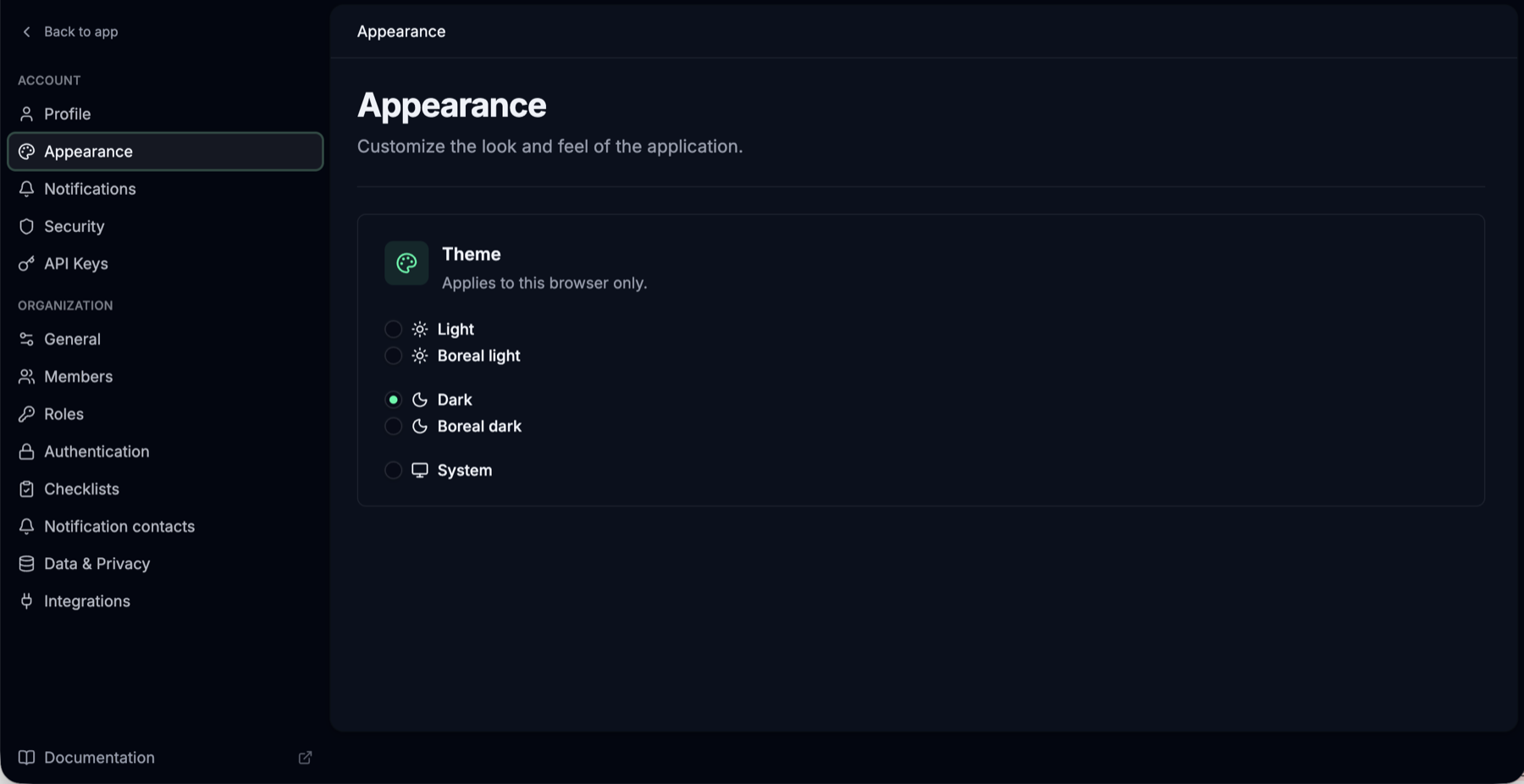
The shell is the darker ground and the content sits on it as a lifted panel with its own edge. The panel scrolls rather than the window, so the shell and the panel's rounded top stay still while a page moves, and a sticky header is clipped to the corners instead of escaping them.
Settings and navigation share one set of rows where they had drifted into two: the same gaps, the same section labels, the same active state. Hover, selected and selected under the pointer are three distinct fills instead of one.
Boreal light and Boreal dark join Midnight light and dark. Pick one in Appearance settings or from the command menu; System follows the operating system between the Midnight pair. Switching themes crossfades rather than snapping.
Every change, dated the day it shipped.
Dated the day they shipped, newest first.